Signing in and two-step verification
Every member of staff has their own account. The username starts with the academy's code, for example shabab.noura, and arrives in the invitation e-mail.
1. Enter your username and password
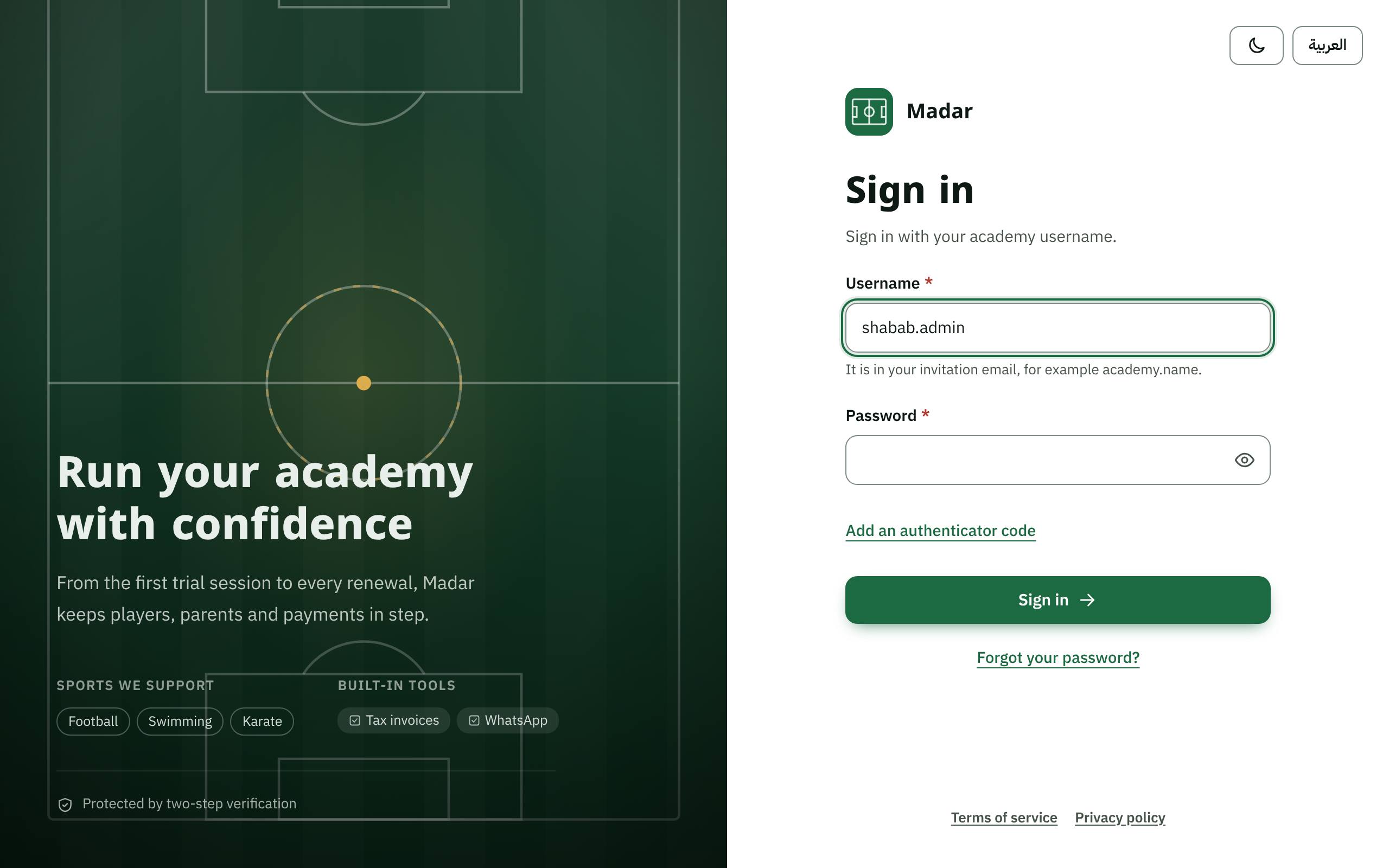
Open Madar's address, type your Username and Password, then press Sign in. If you forgot your password, press Forgot your password? and a link arrives by e-mail.
2. Type the code from your authenticator app
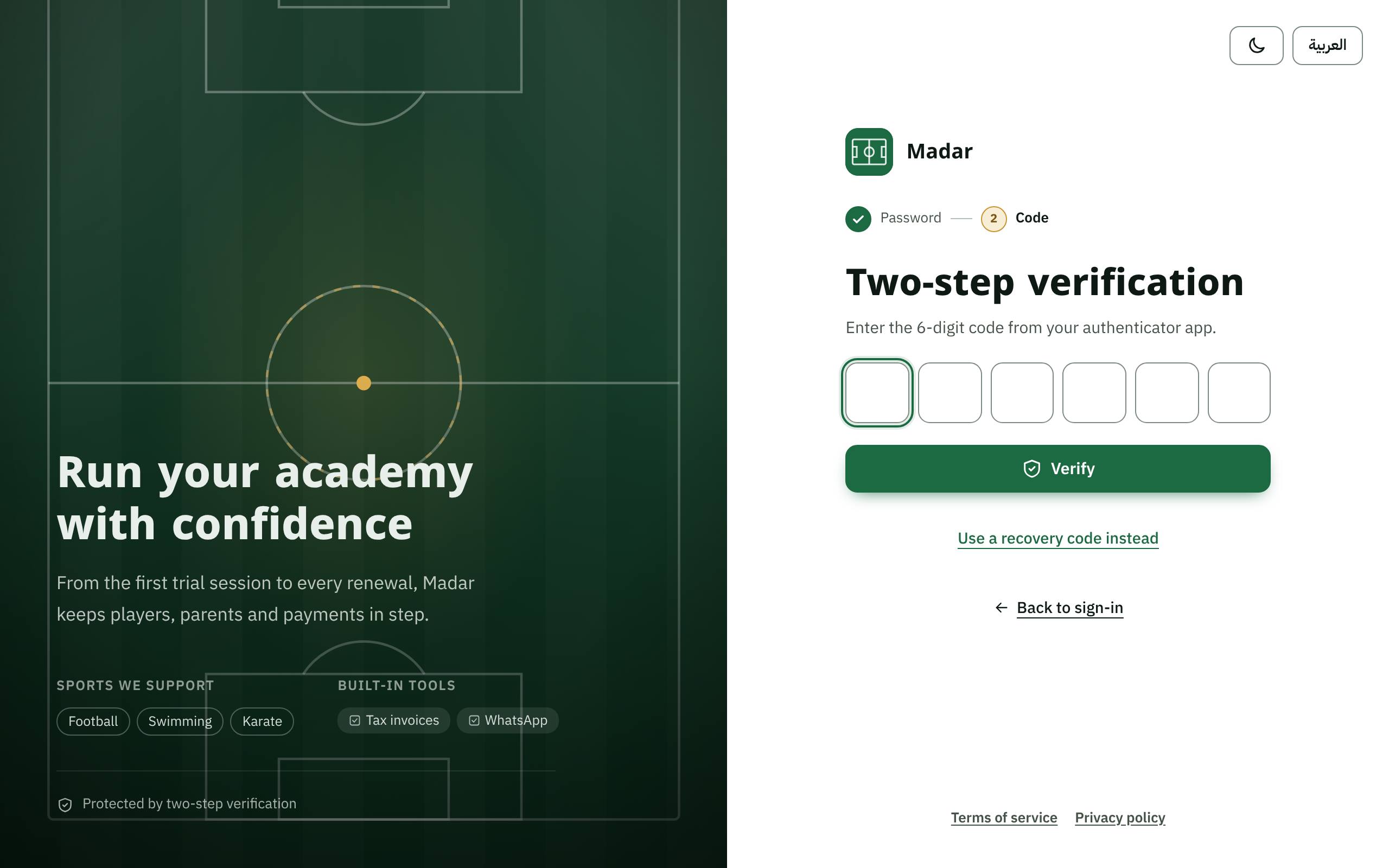
If your role needs two-step verification, type the six-digit code from the authenticator app on your phone. If you lost your phone, press Use a recovery code instead.
3. Keep your recovery codes
When you set up two-step verification for the first time, Madar shows ten recovery codes, once. Keep them somewhere safe away from your phone; each code works once.
4. My account
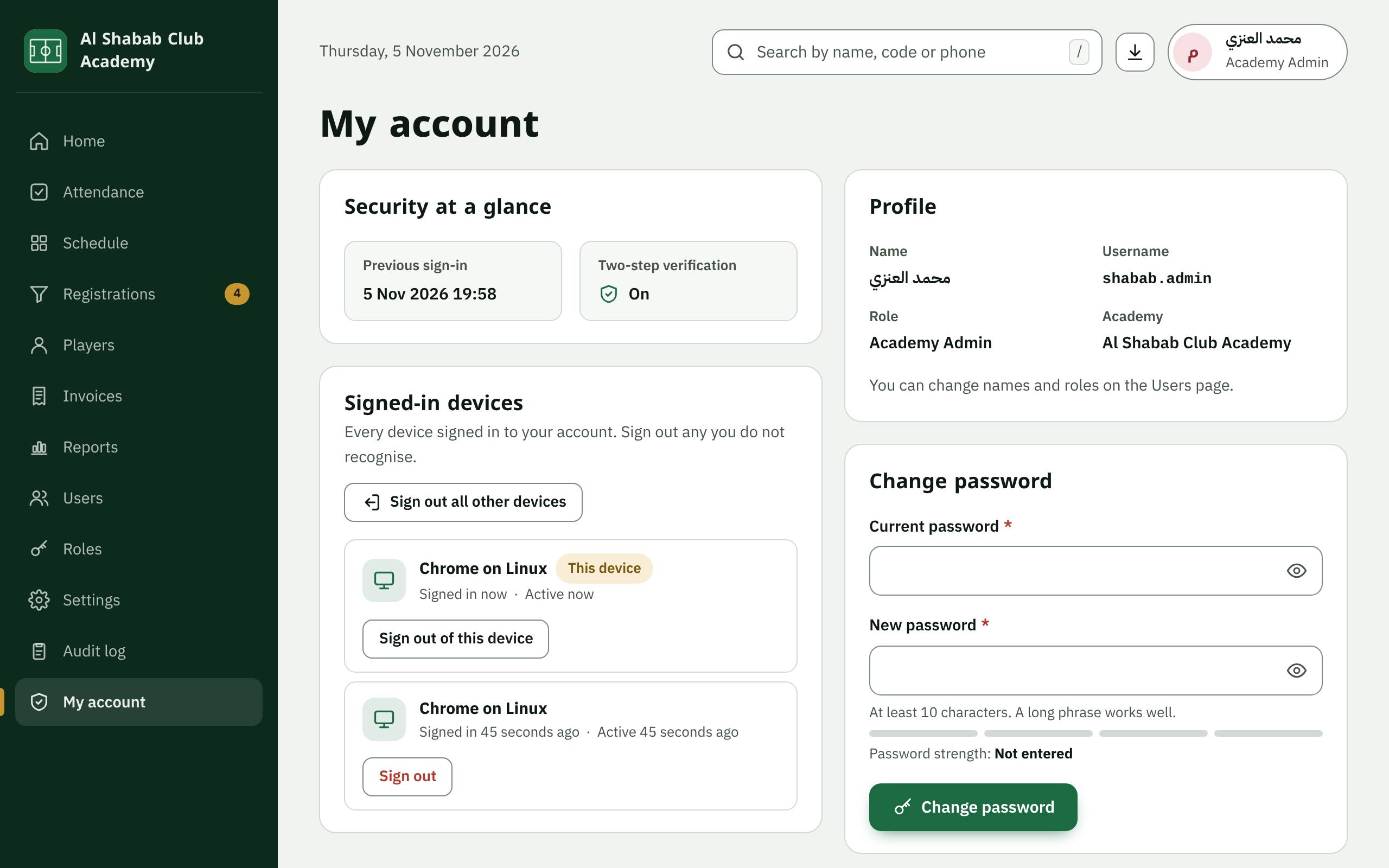
In My account you change your password, see the devices signed in to your account, and can Generate new codes for recovery, or Sign out all other devices if you see one you do not recognise.
5. If you cannot sign in
After several wrong attempts, sign-in is blocked for a while. Your academy's administrator can unblock it or reset your two-step verification. Never send your password or codes to anyone, not even to support.